Trying to run lots of TikTok ads manually is a real headache. You spend way too much time clicking through menus for campaign management instead of focusing on ad strategy.
For agencies and big brands, this is a serious drag on getting things done efficiently. The TikTok Marketing API fixes this problem directly. It connects your business tools straight to TikTok’s advertising platform.
This connection lets you automate ad creation, get real-time data, and handle everything with code, which is essential for scaling your advertising efforts without the manual grunt work.
What Is the TikTok Marketing API? 📱
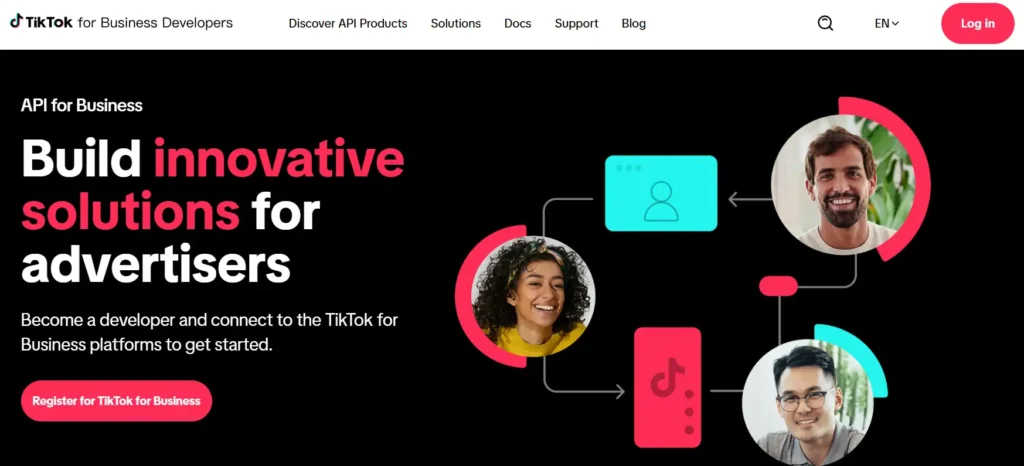
TikTok Marketing API is a powerful tool that helps businesses automate and scale ad campaigns on TikTok.
It connects directly to TikTok Ads Manager, allowing marketers to create, manage, and optimize thousands of advertising campaigns without manual work. Instead of clicking through menus all day, you can use API integration to handle bulk tasks in seconds.
For brands managing multiple accounts or running large campaigns, TikTok Marketing API saves time and boosts performance. It gives you control over campaign management, creative uploads, audience targeting.

Massive Growth with TikTok Marketing API Today
Scale smarter, optimize faster, and improve ROI with TikTok For Business API and this limited $6,000 discount.
Why Businesses Need TikTok Marketing API 💼
Running ads on TikTok manually gets messy fast. When you have dozens of ad groups, hundreds of creatives, and changing budgets, things slow down. You lose time switching between screens and copying settings.
Key Benefits Worth Noting ⚡
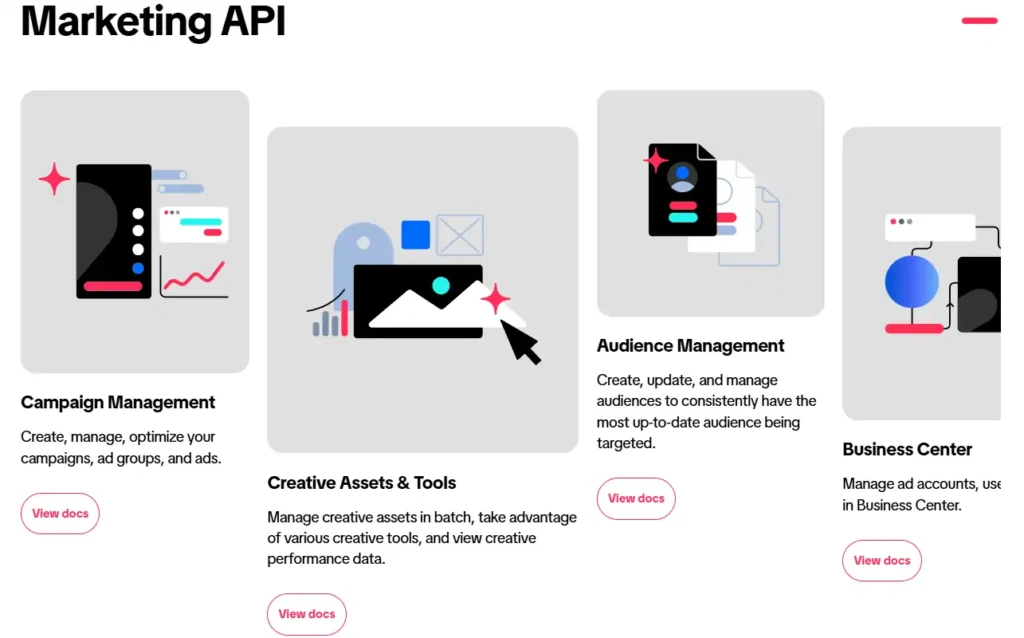
Batch operations let you create thousands of campaigns at once. Upload all your video creatives through one interface instead of one at a time. Set up intelligent bidding rules that adjust automatically based on performance data.
Your audience management becomes effortless too. API keeps your custom audiences updated automatically. When someone joins your email list or makes a purchase, that data flows straight into your TikTok targeting.
Automated reporting gives you custom dashboards showing exactly what matters to your business. No more downloading spreadsheets and piecing together numbers manually
How TikTok Marketing API Actually Works 🔧
Picture API as a bridge between your marketing tools and TikTok platform. Your software sends requests to TikTok servers asking to create ads, pull reports, or update campaigns. TikTok processes those requests and sends back responses.
You need developer credentials and proper authentication to use it. Once connected, you can call different API endpoints for specific tasks.
Programmatic advertising happens through these connections. Your system talks to TikTok automatically, making changes based on rules you set up beforehand.
What You Can Control Through API 🎯
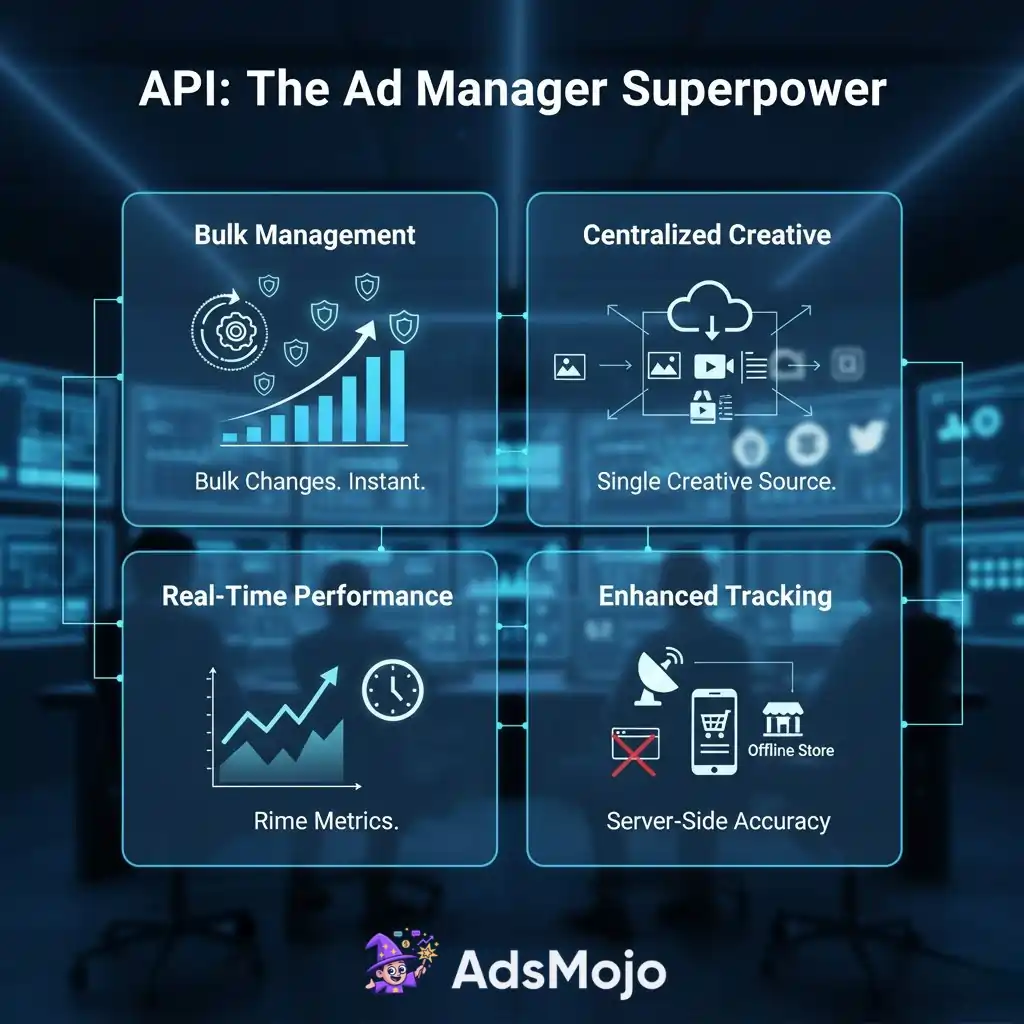
Campaign creation and editing happen in bulk. Change budgets across 50 campaigns instantly. Update targeting settings for entire account structures with single commands.
Creative management becomes centralized. Store all your videos, images, and text in one system. Push them to different campaigns as needed without reuploading.
Performance tracking gives you real-time metrics. Check which ads perform best, which audiences respond well, and where money gets wasted. Pull data into your own analytics tools for deeper analysis.
Conversion tracking through API captures events your pixel might miss. Server-side tracking catches offline purchases and app interactions that browsers cannot see.
Step by Step Guide to Get Started ✨
- Step 1: Visit the TikTok API for Business portal and create a developer account. This is free and takes about five minutes.
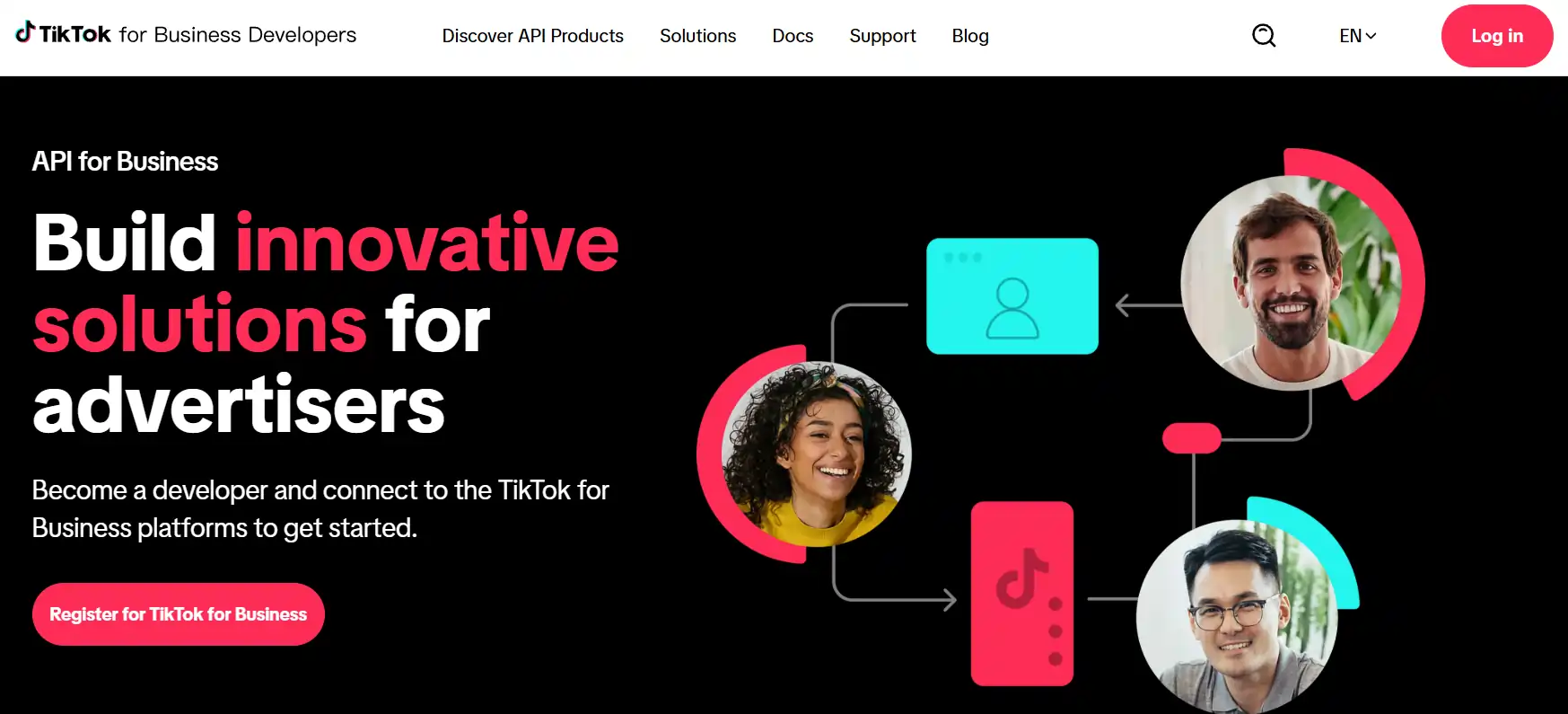
- Step 2: Register your application in the portal. Give it a name and describe what you want to build. TikTok reviews most apps within a few business days.
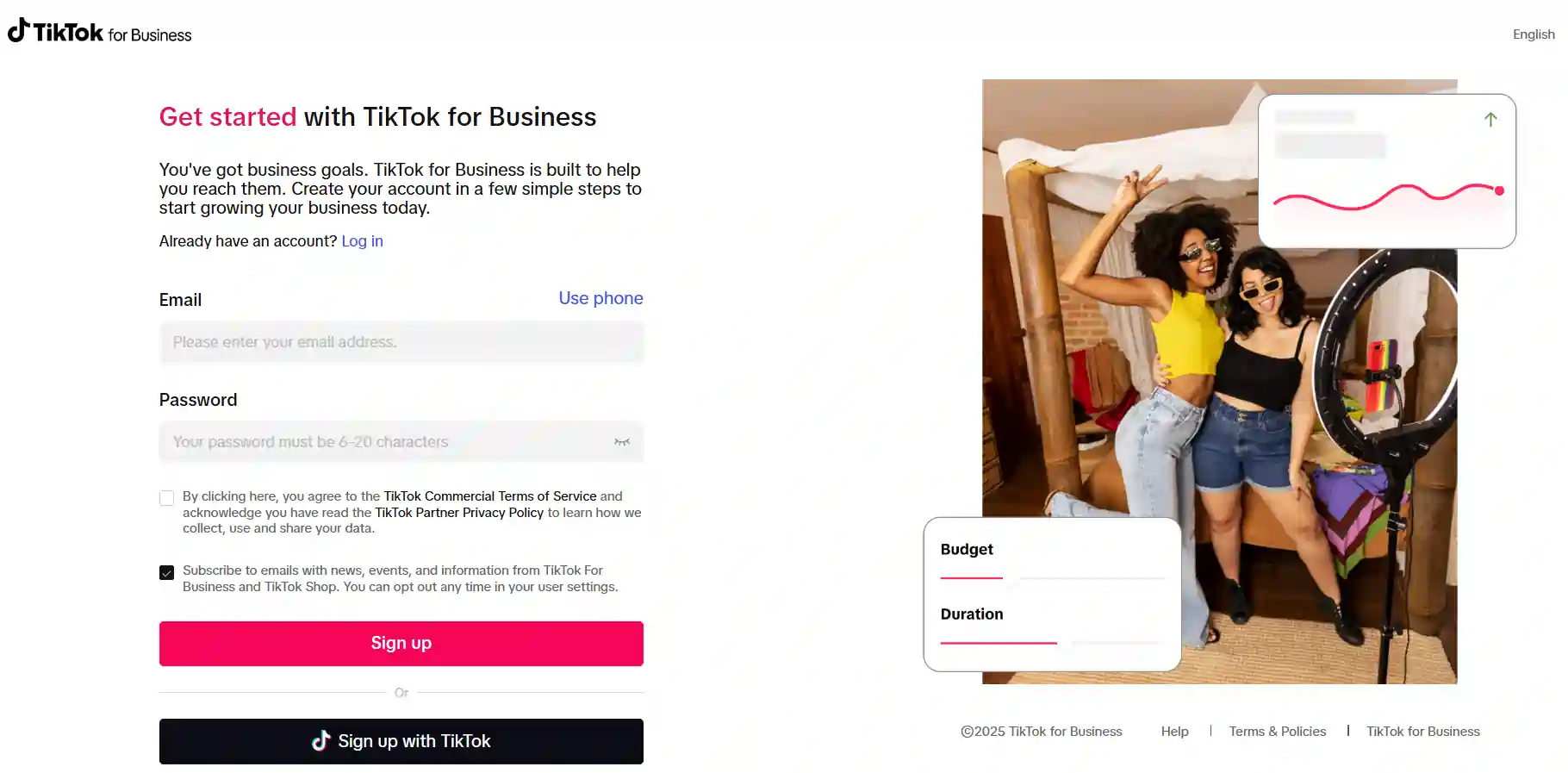
- Step 3: Get your API credentials from the dashboard. Save your App ID and Secret in a safe place. You will need these for every connection.
- Step 4: Set up OAuth 2.0 authentication in your application. This creates the secure link between your tools and TikTok. Request an access token using your credentials.
- Step 5: Test your connection with a simple API call. Try pulling data from one of your existing campaigns. This confirms everything works correctly.
- Step 6: Connect your tracking pixels and Events API. This captures conversion data from your website or app. Proper conversion API setup improves ad performance significantly.
- Step 7: Start building your campaign creation workflows. Use the API documentation to understand which endpoints do what.
Common Use Cases for Marketing API 💼
Agency teams love managing multiple clients through one interface. Campaign reporting becomes automatic when you serve dozens of businesses. Pull data for everyone at once instead of clicking through accounts one by one.
Ecommerce brands use it to sync their product catalog with TikTok ads. When inventory changes, ads update automatically. Dynamic ads show products that are actually in stock.
App developers track app events seamlessly. Conversion API reports installs, signups, and purchases directly back to TikTok. Better tracking means better audience segmentation and smarter spending.
Marketing teams build custom dashboards showing exactly what matters. Skip TikTok’s standard reports and create views matching your business needs. See metrics and KPIs that actually matter to your boss.
Getting Maximum Value From API Access 🎁
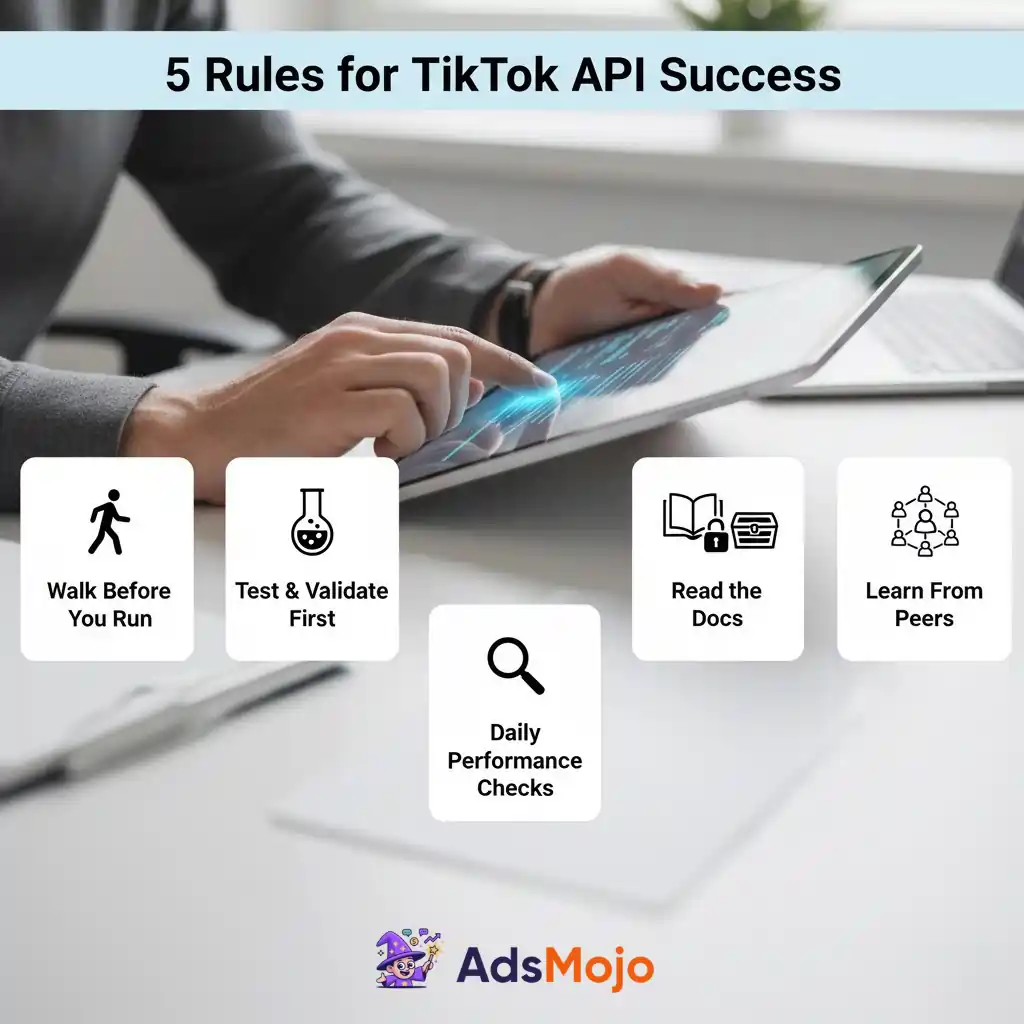
Start simple before going complex. Master basic campaign creation before building fancy automation. Walking before running prevents expensive mistakes.
Test everything in small batches first. Don’t automate your entire ad budget on day one. Run small tests, learn what works, then scale up with confidence.
Monitor your performance tracking closely at the start. Automation saves time but you need to verify it’s working correctly. Check results daily for the first few weeks.
Read TikTok’s API documentation regularly. They add new features often. Staying updated means you can use new tools before competitors even know they exist.
Join communities of other developers using TikTok API. When you get stuck, someone else has probably solved that problem already. Learning from others saves countless hours.
Final Thoughts on TikTok API Integration
So, that's the TikTok Marketing API in a nutshell. It's your ticket to ditching tedious manual ad tasks and managing campaigns at scale.
With ad revenue projected to hit over $33 billion in 2026, it’s clear that brands are pouring money into the platform.
The API gives you direct access to a user base of over 1.5 billion people, letting you automate, track, and optimize your ads with precision. Considering 92% of users take action after seeing a video, are you making the most of your ad automation?